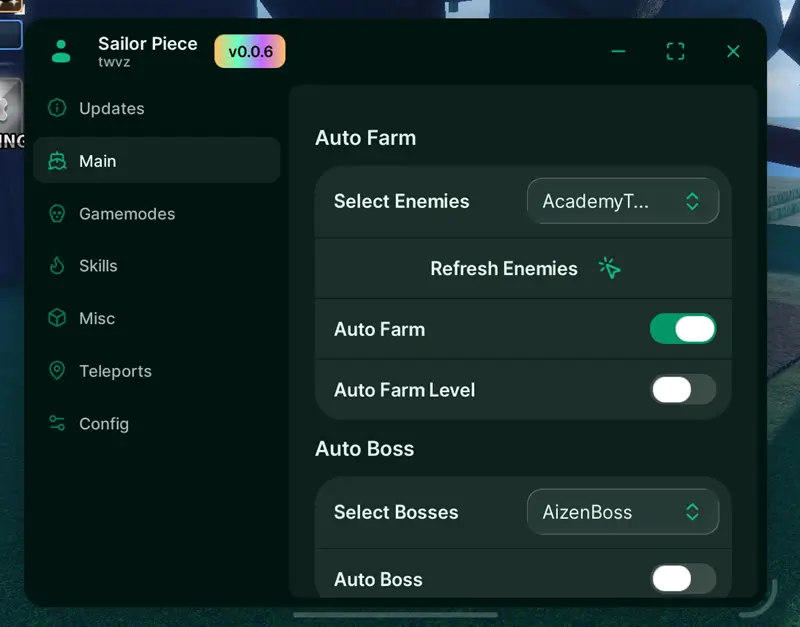

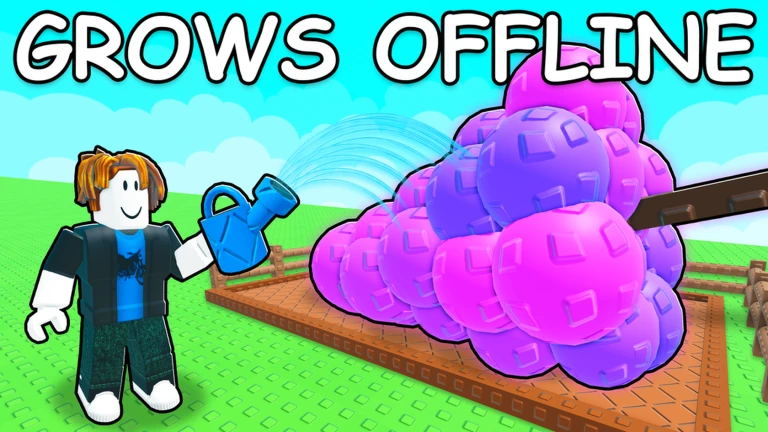
Step up your gardening efficiency with the Grow a Garden 2 Script, powered by the feature-rich Axonic/Cinnamon Hub. This automation utility is completely keyless, allowing you to jump straight into the action without dealing with tedious linkvertise sites or key generation lines. It is designed to take the grind out of crop management, putting your resource accumulation and progression on total autopilot.
The script combines multiple critical automation modules into a single interface. Whether you are trying to maximize your individual plot yields or gain an edge over the server economy, it delivers a smooth, low-overhead solution that runs flawlessly across both mobile and PC environments.
Key Features & Automated Modules
1. Total Garden Automation
Intelligent Auto-Farm: Completely automates your daily gardening routines and repetitive maintenance tasks, allowing you to grow your plot passively.
Optimized Auto-Harvest: Instantly gathers mature crops the exact millisecond they are ready, maximizing your yield loops.
Resource Auto-Steal: Automatically scans neighboring plots to safely collect valuable unharvested items from other players across the map.
2. Economy & Performance Utilities
Auto-Shop Integration: Remotely interacts with the in-game storefront to buy seeds, tools, or expansions instantly without needing to manually walk back to town.
Performance FPS Booster: Modifies specific workspace render settings and particle triggers to maximize your frames per second, ensuring smooth performance even on lower-end mobile devices.
Misc Toolbox: Features additional movement and UI adjustments to help customize your active farming session.
How to Install and Run the Script
Launch Your Executor: Open your preferred, updated Roblox exploit client (such as Delta/Potassium for mobile setups, or Wave for PC).
Join Grow a Garden 2: Load into an active game server and wait for your personal garden plot and map assets to fully load.
Clear the Input Buffer: Bring up your injector's developer overlay and wipe out any leftover code lines to avoid script execution errors.
Paste the Hub Loadstring: Copy the secure GitHub-hosted Luau code snippet provided below and paste it directly into your console text box.
Run the Script Engine: Click the Execute button. The Axonic/Cinnamon Hub GUI will instantly overlay on your screen, allowing you to toggle your farming features with no key verification required.
![Foxname Hub Script 99 NITF [No Key] - AutoFarm Diamonds, Bring Fuel, GodMode](https://gag-scripts.com/wp-content/uploads/Foxname-Hub-Script-99-NITF-No-Key-AutoFarm-Diamonds-Bring-Fuel-GodMode.webp)
![Dueling Grounds Auto Parry Script [No-Key]](https://gag-scripts.com/wp-content/uploads/Auto-Parry-Script-Dueling-Grounds-No-Key.webp)
![[Verified] GAG Script SAB - Lemon Hub [No Key] 2026](https://gag-scripts.com/wp-content/uploads/GAG-Script-SAB-Lemon-Hub-Script-Steal-a-brainrot.webp)