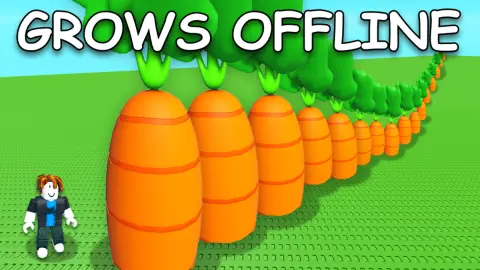

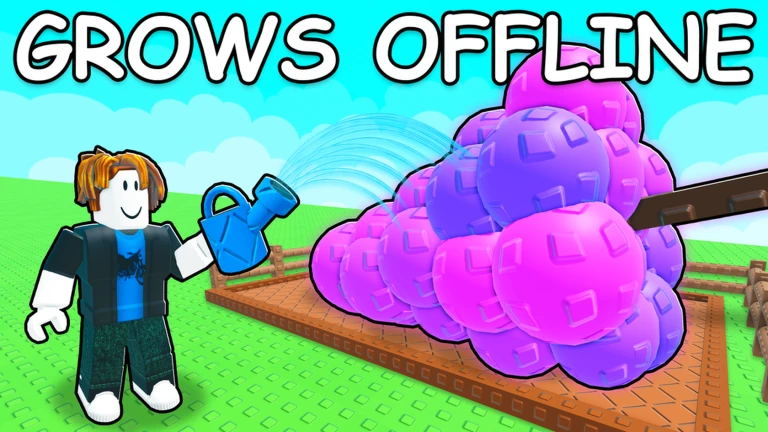
Boost your progression with the Grow a Garden 2 Automation Hub curated by ElPanaBryan. Designed specifically for players looking to skip the repetitive clicking and long wait times of early-game progression, this lightweight script automates your core resource gathering and purchasing loops.
Engineered for fast execution, it streamlines your daily gardening tasks and optimizes your currency workflows so you can expand your plots and unlock high-tier items with minimal effort.
Key Features & Automated Modules
1. Core Farming Automation
Automated Plot Care: Handles your standard garden maintenance and watering cycles in the background, keeping your plants healthy without manual clicking.
Efficient Harvest Loop: Instantly gathers mature crops from your personal field layouts the moment they reach full growth.
2. Economy & Resource Acquisition
Global Auto-Harvest: Safely scans available world map resources and open areas to maximize your active inventory value.
Remote Shop Integrations: Automatically interacts with the in-game market kiosks to purchase essential seeds, gear, and plot expansions as soon as your wallet balances update.
Executor Compatibility Matrix
This lightweight Luau runtime loop features a streamlined structure that has been cross-tested for maximum performance and stability across multiple environments:
Mobile Exploits: Fully compatible and touch-responsive on mobile injectors including Volt, Potassium, Codex, Delta, and Seliware.
PC Suites: Runs smoothly with multi-instance setups on Wave, Synapse Z, and OpiumWare.
How to Install and Run the Script
Launch Your Chosen Executor: Open an updated, stable Roblox injection client matching your hardware platform (such as Delta or Volt for mobile, or Wave for PC).
Load Into Grow a Garden 2: Join an active server and allow your personal farming plot, vehicle assets, and structures to load completely.
Reset Your Console Buffer: Open your exploit text panel and clear out any old scripts or code remnants to prevent execution errors.
Paste the Script Loadstring: Copy the official, secure Luau code block provided below and paste it directly into your console editor workspace.
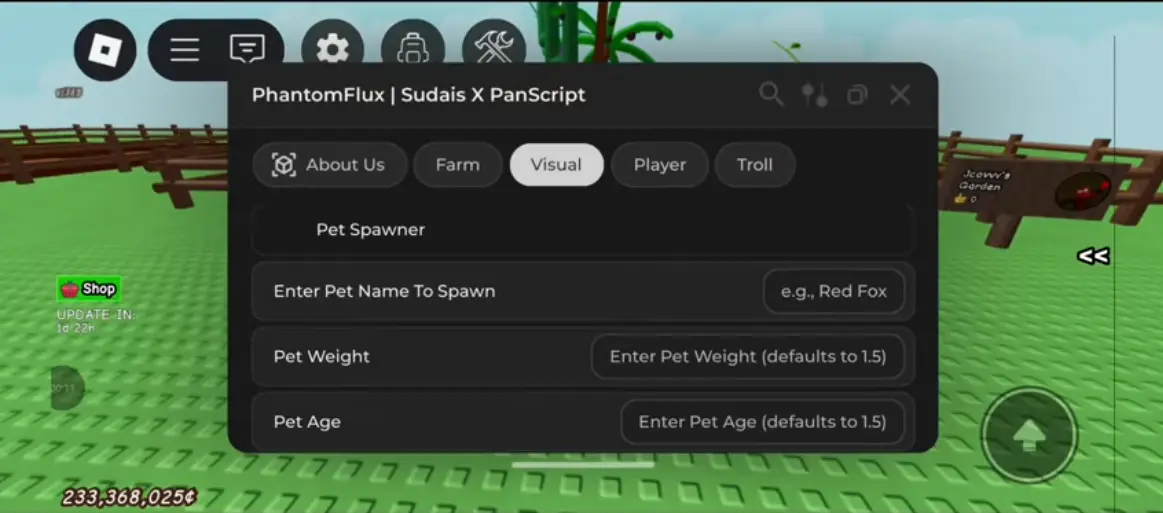
Initialize the Interface: Click the Execute button to load the automation dashboard. The graphical interface will overlay on your viewport, allowing you to instantly toggle your preferred features.
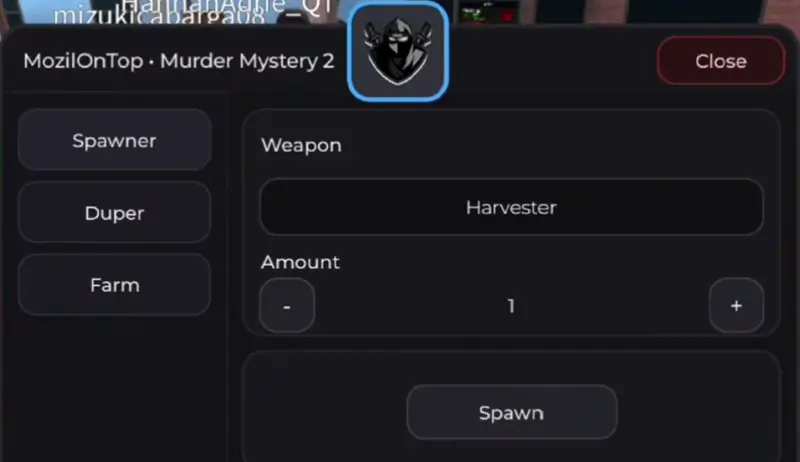
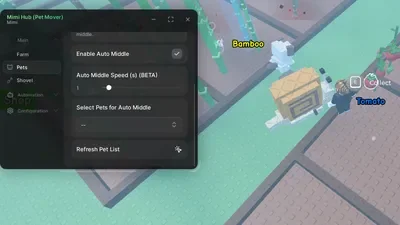
![Foxname Hub Script 99 NITF [No Key] - AutoFarm Diamonds, Bring Fuel, GodMode](https://gag-scripts.com/wp-content/uploads/Foxname-Hub-Script-99-NITF-No-Key-AutoFarm-Diamonds-Bring-Fuel-GodMode.webp)
![Dueling Grounds Auto Parry Script [No-Key]](https://gag-scripts.com/wp-content/uploads/Auto-Parry-Script-Dueling-Grounds-No-Key.webp)
![[Verified] GAG Script SAB - Lemon Hub [No Key] 2026](https://gag-scripts.com/wp-content/uploads/GAG-Script-SAB-Lemon-Hub-Script-Steal-a-brainrot.webp)