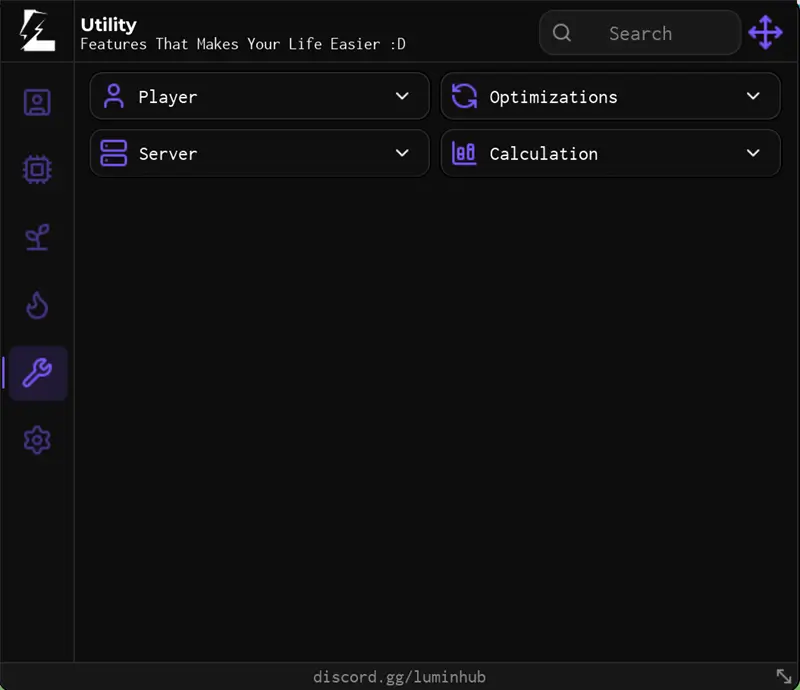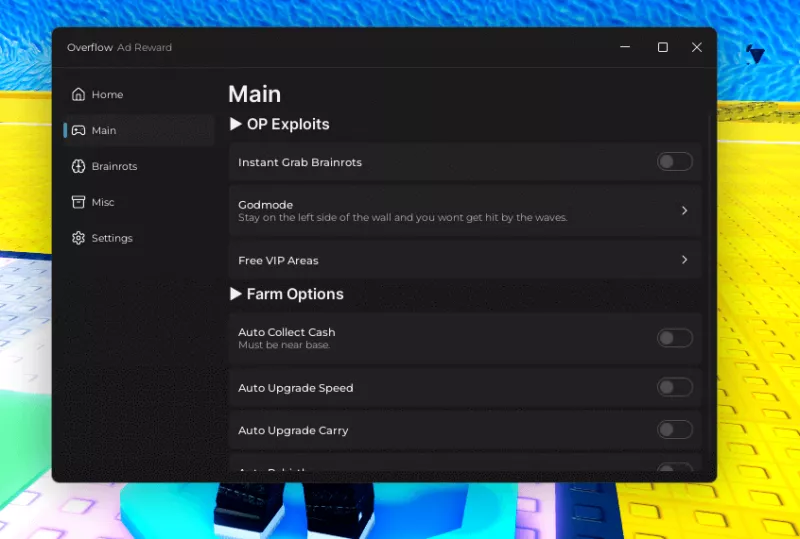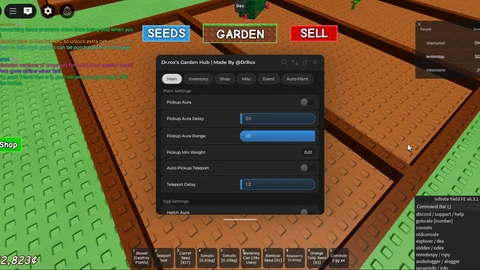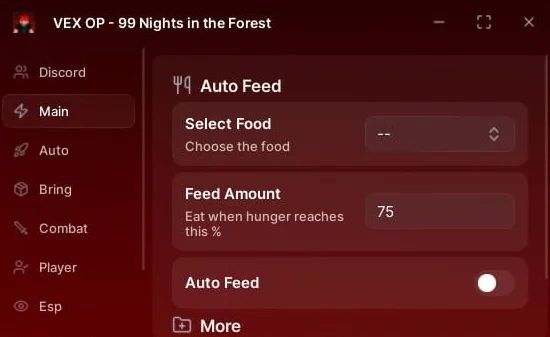

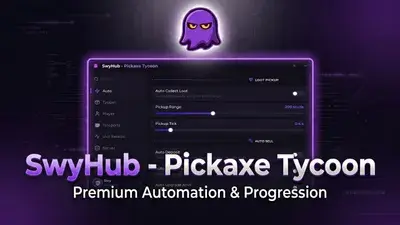
Accelerate your gameplay across multiple universes with the SwyHub Universal Script Hub. Engineered by swy, this administrative-tier combat and tycoon utility engine features an elite environment-scanner that auto-adapts to custom mechanics across three major Roblox titles: Pickaxe Tycoon, Slime RNG, and Feed Your Teto.
Built on the cutting-edge Swy-UI v2.5 Glassmorphism framework and powered by a fluid key-system-v2 loader, this platform features cloud sync saving alongside massive automation capabilities. It delivers persistent configuration backups that perform beautifully across both mobile executors and advanced PC injection environments without causing memory leaks or background rate-limiting.
Verified Multi-Game Compatibility Matrix
This universal framework dynamically scales its automated execution loops depending on which game instance you inject it into:
Pickaxe Tycoon ⛏️: Full plot expansion, merge loops, ore vacuuming, and anvil upgrades.
Slime RNG 💧: Overclocked rolling routines, fast animation skips, and clean luck multipliers.
Feed Your Teto 🪐: Automated feeding sequences, resource gathering, and progression macros.
Master Feature & Exploitation Modules
1. Pickaxe Tycoon Production Engine
Auto Buy & Merge Loops: Automatically purchases pickaxes by 1, 5, 25, or 100 per touch and fuses them into higher tiers to max out your plot capacity without manual input.
Range-Based Ore Vacuum: Emits a multi-tier loot radius (adjustable from 10 to 500 studs with an custom tick slider) to pull raw materials directly into your character.
Anvil Pipeline & Chest Automation: Automates the touch-driven anvil system to handle deposits, while auto-unlocking high-tier rare chests and instantly discarding low-tier garbage.
2. Multi-Game Reward & Movement Utilities
Instant Rewards Magnet: Automatically claims offline income channels, group rewards, and limited ore multiplier pads the exact millisecond they spawn.
Overclocked Locomotion: Integrates adjustable WalkSpeed (16–80) and JumpPower (50–300) sliders, complete with flawless infinite jump and responsive map noclip.
Plot Security Detection: Locks all script functions strictly to your assigned grid to prevent your macro from bugging out on other players' structures.
3. Administrative Utility Suite (Swy-UI v2.5)
Persistent Layouts & Live Search: Features a modern glass interface with real-time stat readouts, cloud-sync profiles every 30 seconds, and a live search bar across all tabs.
Dialog Pop-Up Blocker: Automatically suppresses annoying Roblox community invites, game pop-ups, and event dialogs that block active clicks.
Anti-AFK & Auto-Rejoin: Emulates a hardware VirtualUser profile to prevent the 20-minute idle disconnect, coupled with instant configuration restore upon crashing or server hopping.
Verified Executor Stability Matrix
SwyHub’s cloud loader uses a lightweight execution architecture that has been thoroughly field-tested for maximum stability and anti-cheat bypass compliance on:
Mobile Environments: Performance-optimized for Delta and Potassium.
PC Injection Suites: Smooth multi-instance integration and complete execution on Wave.
How to Safely Execute the Script
Live Session Monitoring: This utility allows you to track your live account earnings, balance, and income multiplier variables completely out-of-game without logging in. Simply visit swyhub.site/live to view your cloud configuration dashboard in real time from any browser layout.