

Maximize your farming efficiency with Forge Hub for Grow a Garden 2, developed by Skuppy. This feature-rich administrative tool provides a massive suite of automation systems, covering everything from core plot farming and automatic pet taming to an advanced anti-steal defense layer and custom Discord webhooks.
Engineered with flexible filters and automated logic, Forge Hub allows you to tailor your farming schedules, track shop stock in real time, and protect your high-value crops from thieves while you are away from your screen.
Key Features & Automated Modules
1. Precision Autofarming Engine
Smart Auto-Harvest: Collect mature crops instantly. Customize operations using custom speed settings, minimum crop weight ($kg$), specific fruit type filters, or options to skip mutation states.
Auto-Plant & Shovel: Set custom time intervals to automatically plant new seeds or shovel away dead plants using tailored plant-type filters.
Celestial Events: Automatically tracks active event timers and navigates your character to harvest rare Gold and Rainbow Moon seeds the moment they drop.
2. Advanced Economy & Shop Tracker
Dynamic Auto-Sell: Empty your inventory automatically based on a custom countdown timer, a specific inventory fill percentage, or when your items reach a certain market value.
Live Stock Monitoring: Tracks global shop inventories in real time. Automatically purchases seeds, crates, or gear items the exact millisecond a vendor restocks.
Instant Code Unlocks: Instantly redeems new developer promos, active items, or a checklist of all known reward codes.
3. Pet Automation & Management
Auto-Tame: Scans for wild pets and tames them based on your preferred rarity, type filters, max price cap, and check intervals.
Inventory Optimization: Automatically purchases additional pet slots when needed, equips your highest-rarity pets, or clears your followers instantly.
4. Anti-Steal (PvP) & Security Tools
Active Garden Guard: Activates an aggressive anti-steal response that automatically tracks down and whacks unauthorized players who step into your territory to take crops.
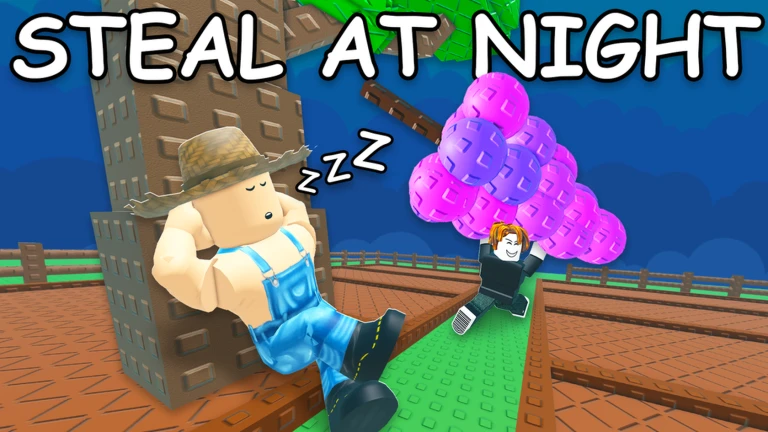
Nightly Auto-Steal: Flips the script to harvest other players' gardens under the cover of night, using customizable minimum value and weight filters.
Shovel Combat Aura: Automatically faces and attacks the closest hostile player when your shovel tool is equipped, keeping you safe during property disputes.
5. Utilities & Discord Webhooks
Visual Highlights & Live Stats: Highlights high-value mutations across the map with a glowing visual effect and keeps a live tracker window open showing your total plants, estimated value, and mutation counts.
Remote Discord Notifications: Connects your personal Discord webhook to receive instant pings for day/night cycles, major world events (Bloodmoon, Blizzard, Lightning), and target vendor restocks.
How to Install and Run the Script
Launch Your Executor: Open an updated, stable Roblox injector client (such as Delta/Codex for mobile hardware, or Wave for PC configurations).
Join the Game: Enter an active Grow a Garden 2 server and let your personal plot and world structures load fully.
Clear Code Buffers: Open your executor text console and wipe out any old text strings to avoid execution crashes.
Paste the Forge Hub Loadstring: Copy the official, domain-secured Luau loadstring block provided in the asset section below and paste it straight into your script console.
Boot the Panel: Press the Execute button to inject the script. The Forge Hub dashboard will appear on your UI, ready for you to toggle your custom settings.