
SEO Title: Grow a Garden 2 Script: Axon Hub Auto Farm & Sell
Core Overview
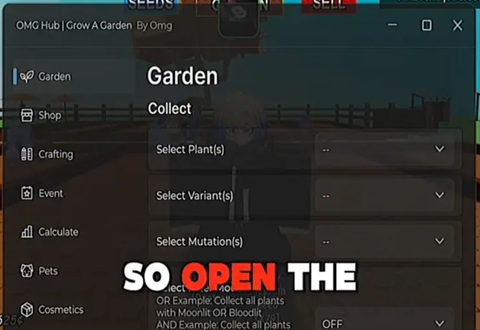
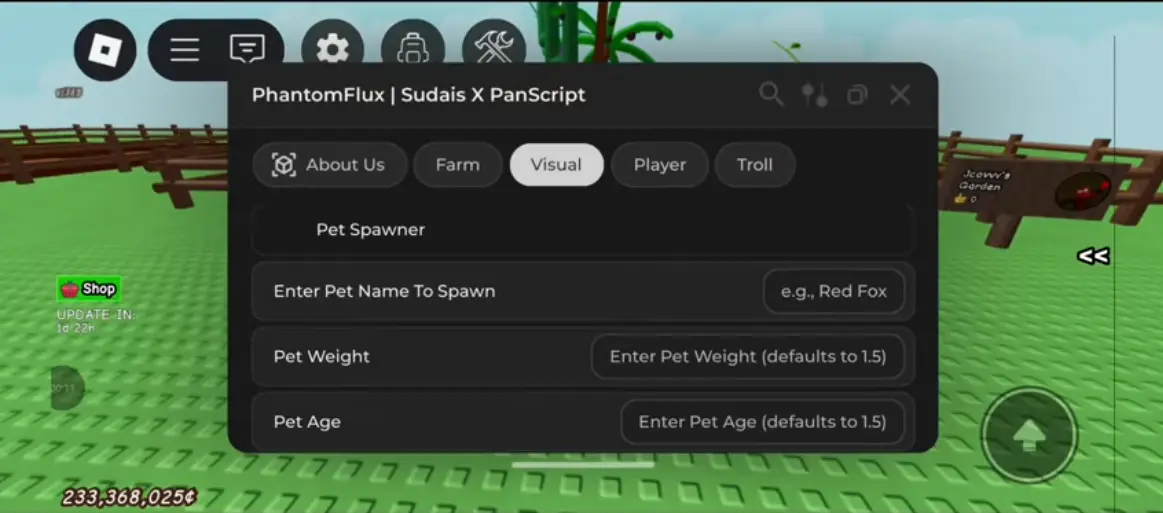
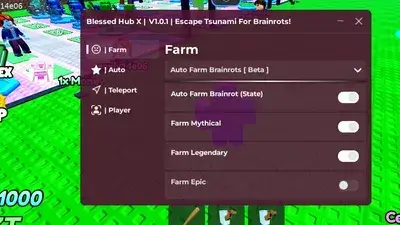
Dominate the server economy and maximize your Sheckles completely AFK with Axon Hub for Grow a Garden 2. Built on a clean Fluent UI framework featuring a modern glass theme and cloud configuration saving, this premium utility automates your entire gameplay loop.
It runs an optimized, lightweight runtime loop designed to handle your planting, crop upkeep, and inventory liquidation automatically, allowing you to build a massive farming empire while away from your device.
Key Features & Automated Modules
1. Full Garden & Crop Automation
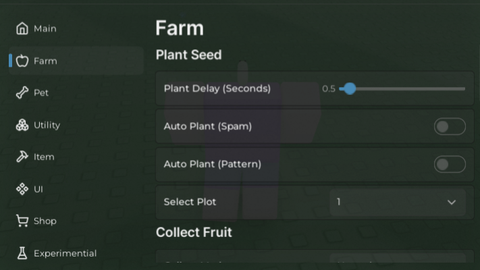
Smart Auto-Farm: Automatically places your selected seeds across your open plots, runs crop maintenance routines, and harvests mature fruit on a perfectly timed loop.
Dynamic Auto-Sell: Automatically liquidates your inventory using custom crop filters. Integrates a sell-preview window and the in-game Daily Deal bonus to ensure you get the absolute highest value per run.
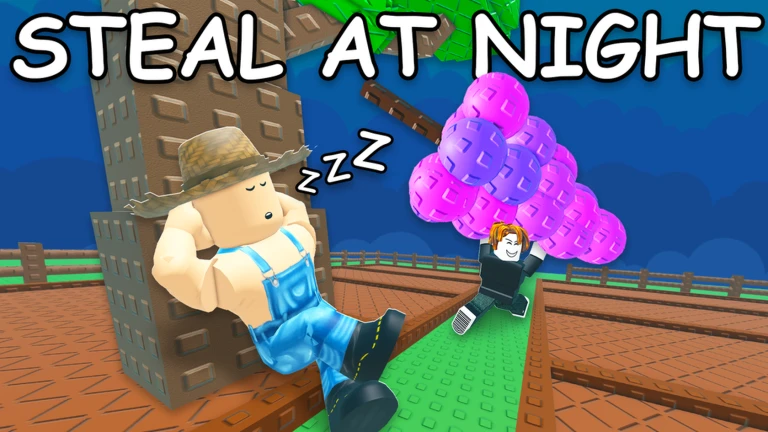
Auto-Steal: Automatically scans and navigates to neighboring fields to harvest high-value crops from other players across the server.
2. Progression & Shop Upgrades
Auto-Shop Buyer: Remotely monitors and purchases targeted seeds, crates, and gear items on a configurable timer.
Egg & Pack Opener: Mass-opens seed packs, crates, and pet eggs, automatically buys additional pet slots, and equips your highest-rarity companions.
Auto-Expansion: Automatically spends earned skill points, redeems promotional codes, claims mailbox rewards, and expands your garden limits the exact millisecond you can afford it.
3. Movement, Teleports & Server Tools
Quick Teleportation: Instantly fast-travels your character to shops, the town sell point, or specific garden plots.
Player Modifiers: Includes custom sliders for WalkSpeed, JumpPower, Infinite Jump, Fly, Noclip, and a built-in Anti-AFK engine to bypass the 20-minute idle kick.
Live Stat Dashboard: Displays real-time readouts of your active Sheckles, Tokens, and inventory space alongside easy server-hopping tools.
Executor Compatibility Matrix
Axon Hub utilizes a highly stable execution framework that has been thoroughly tested for multi-instance stability and performance across popular platforms:
Mobile Exploits: Seamless, touch-responsive interface loading on Delta, Codex, Volt, Potassium, and Seliware.
PC Injection Suites: Features complete script support and smooth loading on Wave, Synapse Z, and OpiumWare.
How to Install and Run the Script
Launch Your Chosen Executor: Start an updated, stable Roblox exploit client compatible with your hardware (such as Delta or Volt for mobile, or Wave for PC).
Open Grow a Garden 2: Join an active game server and allow your personal garden layout and assets to load completely.
Reset Your Console Buffer: Open your injector's text overlay and clear out any old script fragments to prevent execution crashes.
Paste the Axon Hub Loadstring: Copy the official, Luarmor-secured Luau code snippet provided below and paste it directly into your console editor.
Execute the Script Engine: Click the Execute button to load the interface. Once injected, press Right Shift on your keyboard (or use the mobile overlay button) to open and close the control dashboard.
![NatHub [No Key] GAG Script Auto Farm](https://gag-scripts.com/wp-content/uploads/Grow-a-Garden-Script-NatHub.webp)